
The Problem:
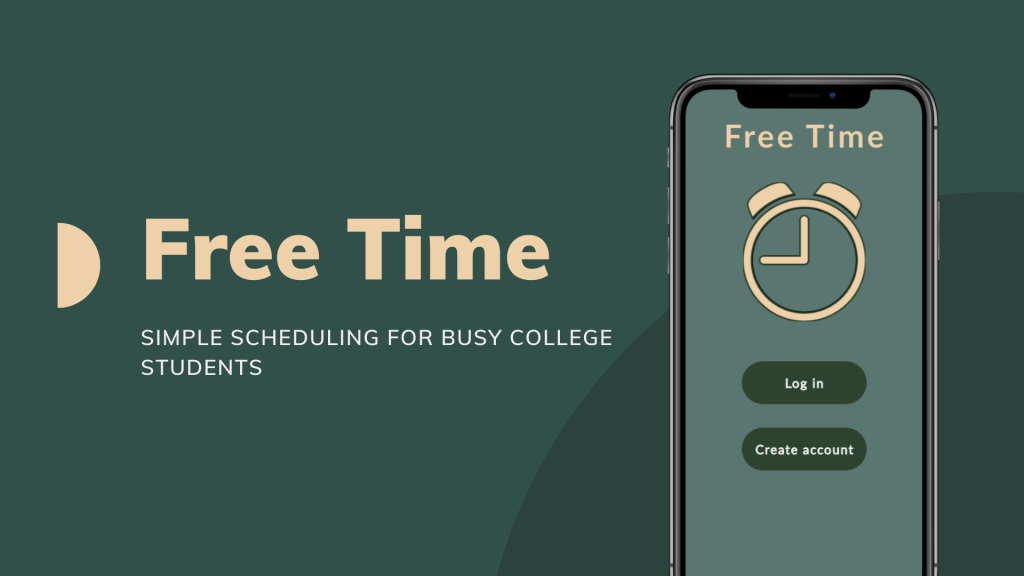
How can we help college students to better manage their time to have more free time with friends? Free Time would help to solve the issue of busy college student friend groups never being able to come to a consensus of when to get together to “hang out”. Free Time cuts the time it takes to plan events and lessens the hassle of coming to an agreement.
Free Time will allow students to upload their schedules, see their friends’ schedules and plan the best time for the group to meet up that works for everyone.
Timeline
1 month
Team
UX/Product Designer and research (myself), 3 other team members who also collaborated on product design research
Things to consider:
Who is our target market?
Busy college students
We conducted group research as a team. We identified our target market as busy college students. The type of students who are always on the go, balancing between school, work, extracurricular activities, friends, family etc. This demographic is typically technologically dependent. Many are accustomed to suing calendar apps on a usual basis, yet most college students still continue to struggle with time management.
Limitations:
When we analyzed our limitations, competition was something we could not ignore. Popular apps that use shared schedules as a means of planning meetings include Google Calendar and Doodle. However, Free Time is more leisure-focused whereas the competition is for more professional or work use.
What makes us different? Leisure focused use
Other limitations include the use of traditional methods, such as paper calendars. Also, the fact that humans are lackadaisical when it comes to planning. This is something that I tried to keep in-mind when deciding what features were key to separate Free Time from the competition.
User Research:
By interviewing current college students and former college students, I found that many were a fan of how thorough Google Calendar. However, a few interviewees also mentioned that it can be complicated and time consuming to use. The amount of people I interviewed was not big enough to give an accurate representation of all college student users, but it gave me a basis for the design of Free Time.
Another thing we considered was how accessible this app will be for those who are sight-impaired. To address this, we decided to make the app compatible with screen-reading programs.
The main focus for the design of this app became clear:
Intuitive design, simple, clean and uncluttered UI/UX
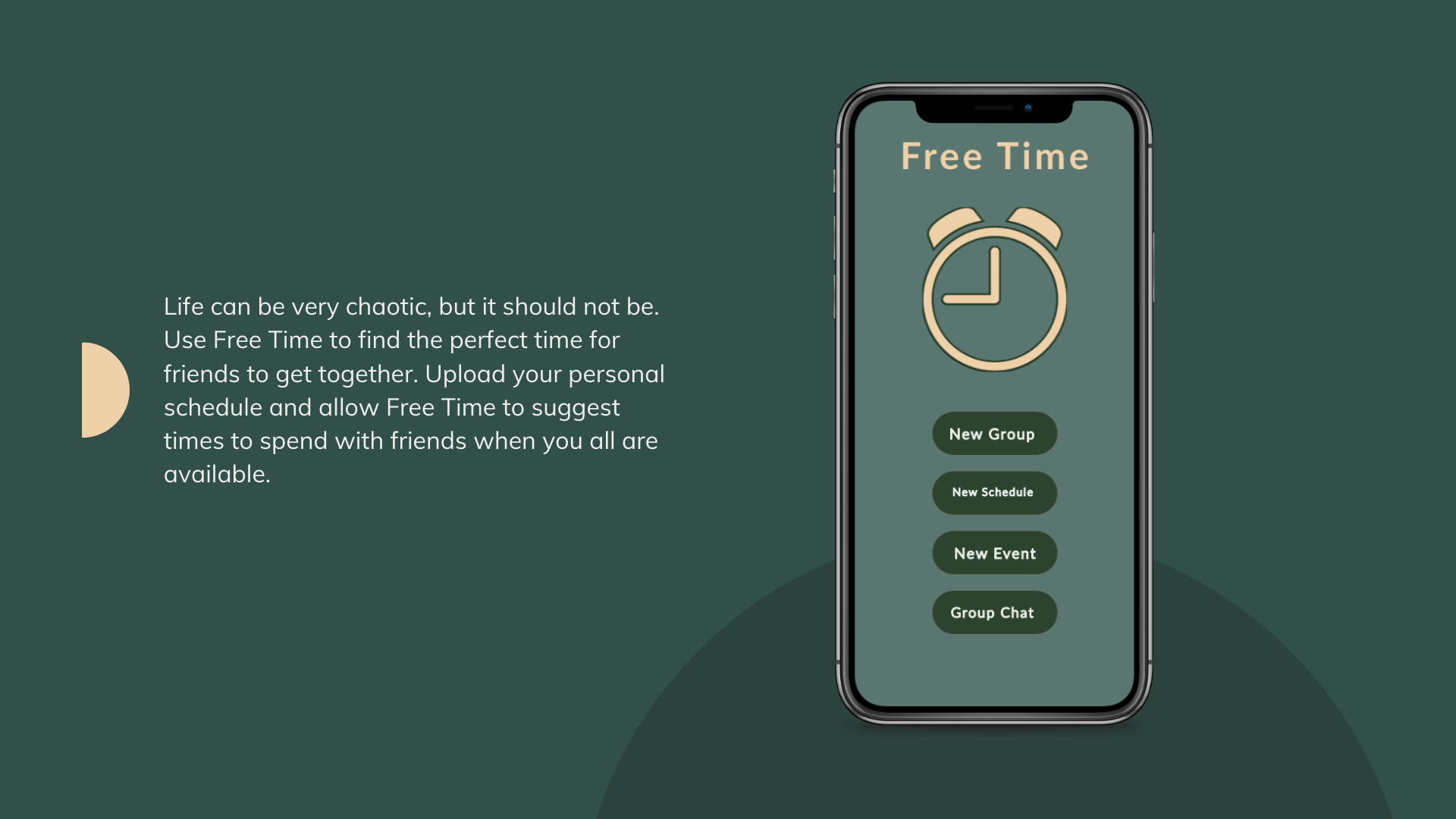
The intent was to keep the design simple, but I wanted to make the font and logo more recognizable for users. To do this, I used a darker background for the colors of the buttons and logo to stand out.
What I would change:
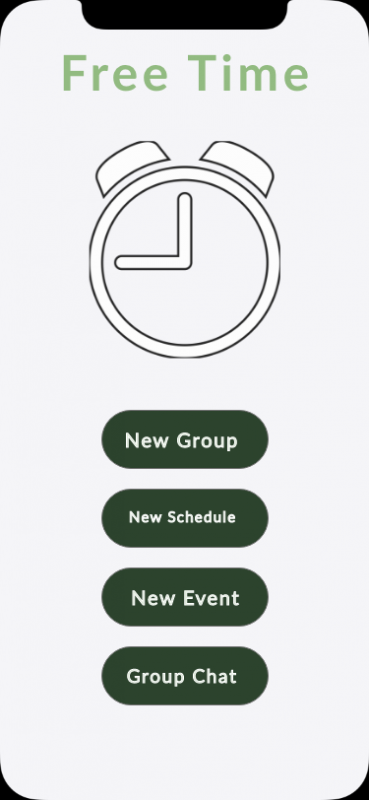
To make this homepage more intuitive, I think I would change the buttons to icons. For example, the “schedule button” would then be associated with a calendar icon that can then be re-used throughout the application without any confusion for the user.
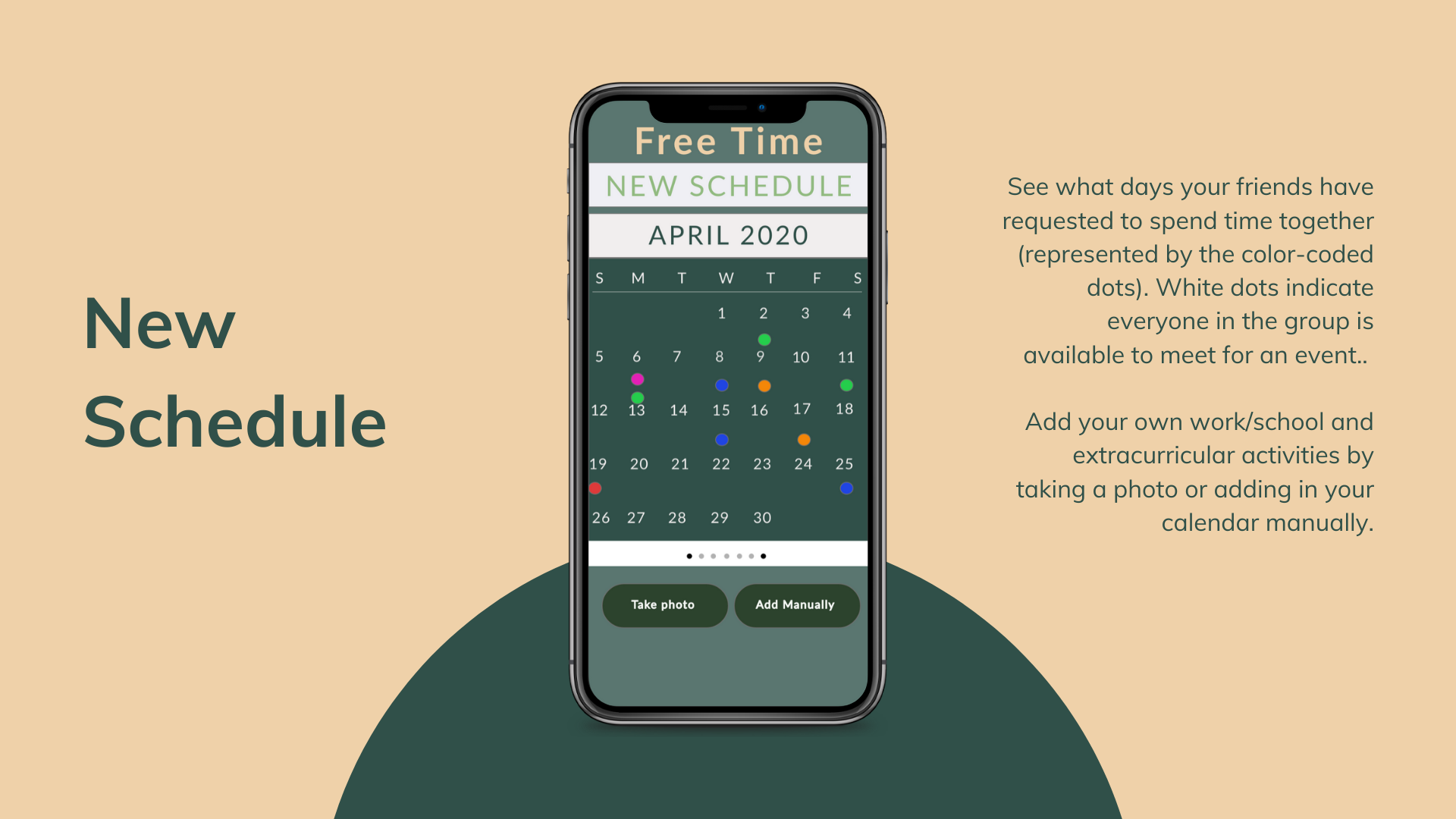
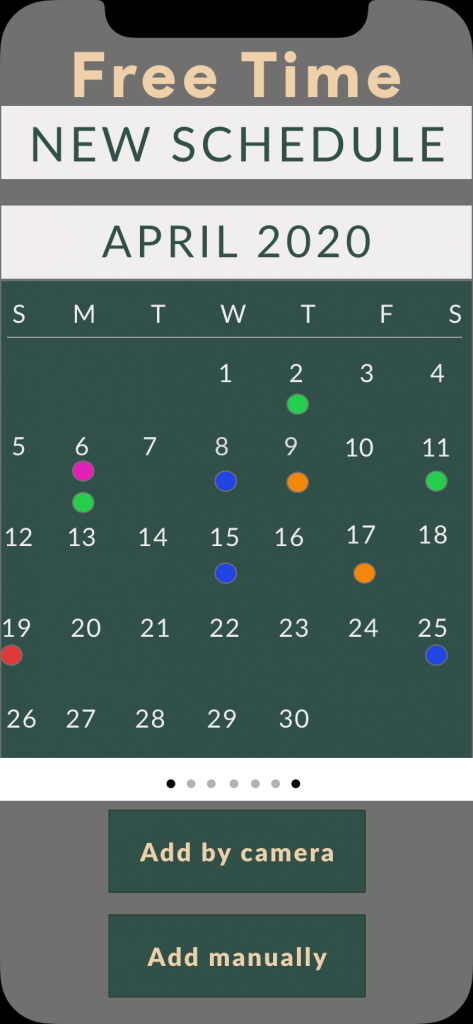
For the schedule page, I included the option to swipe through each group members schedule so it would be obvious which days they were busy and available. The main schedule, however, would include which days everyone is available (shown here).
What I would change:
I wanted to do something similar to Google Calendar’s design by including the colored dot icons, but I realized it made the screen look more cluttered. Instead, I would opt to have the date numbers highlighted using a different color for the days that every group member is available. Again, the buttons at the bottom would be changed to icons for better understanding. The “take photo” button would be associated with a camera and the add manually would be associated with a “note pad” meaning it the user would have to fill in their information themselves.
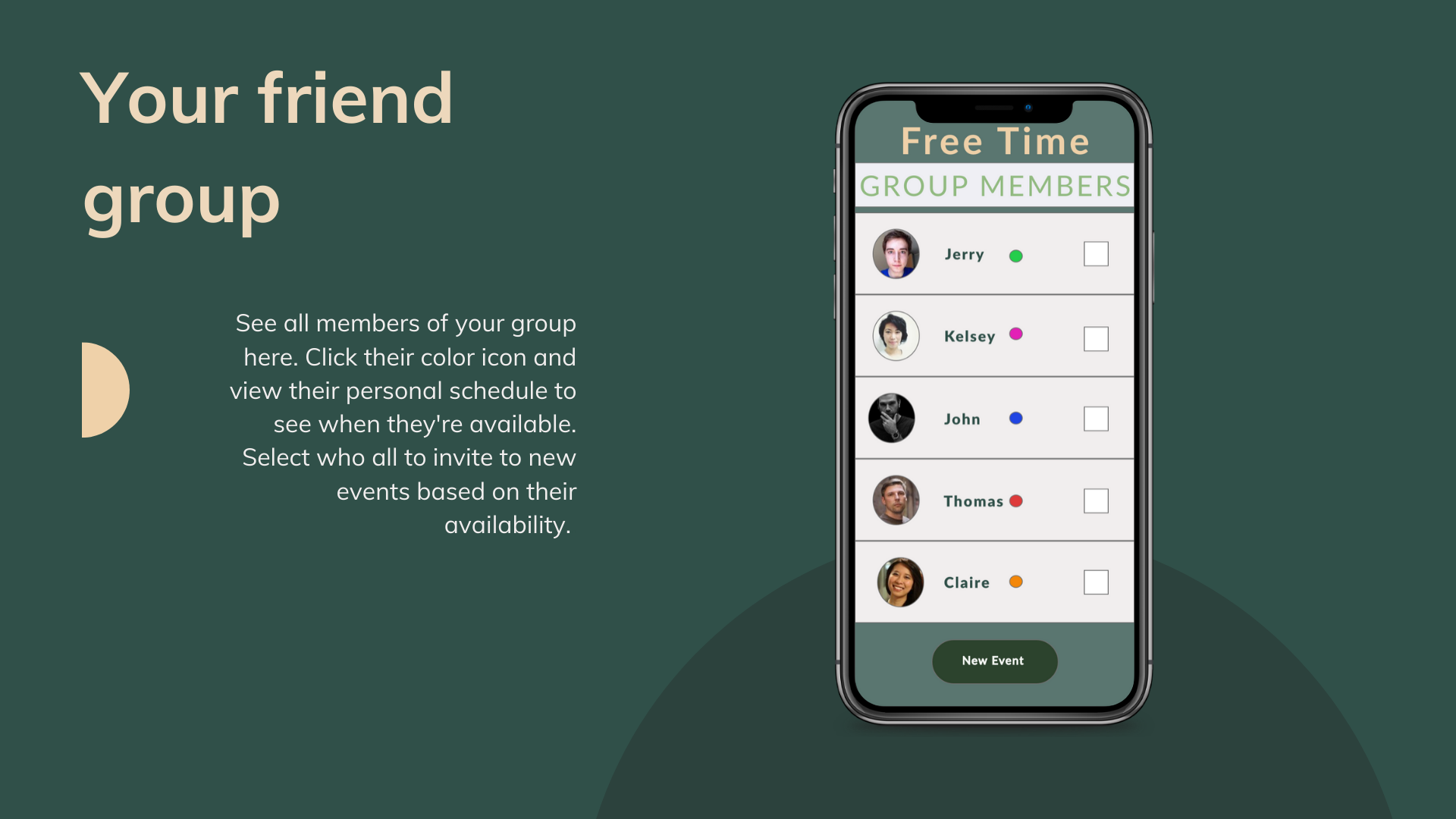
Privacy and having control over who can view their schedule was very important for users. The boxes are able to be checked for each group member that the user wants to add to the new event or to a new group and share their schedule with. It was important for users to feel connected to those in their group so each member is required to have a photo.
What I would change:
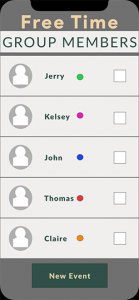
The colored-dots I would remove, and I would include more options. For example, the user would have the ability to add group members to a new event and a new group.
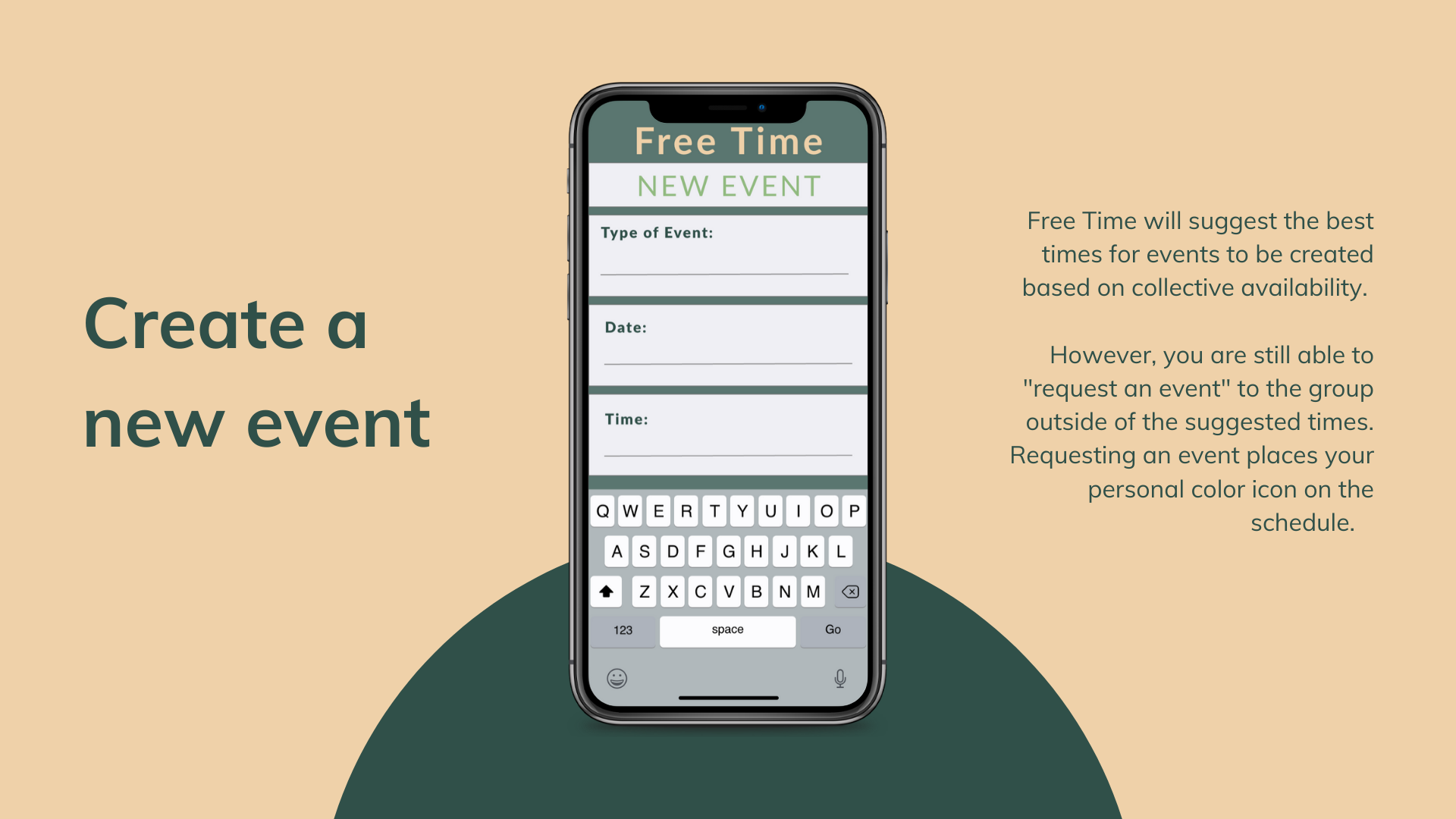
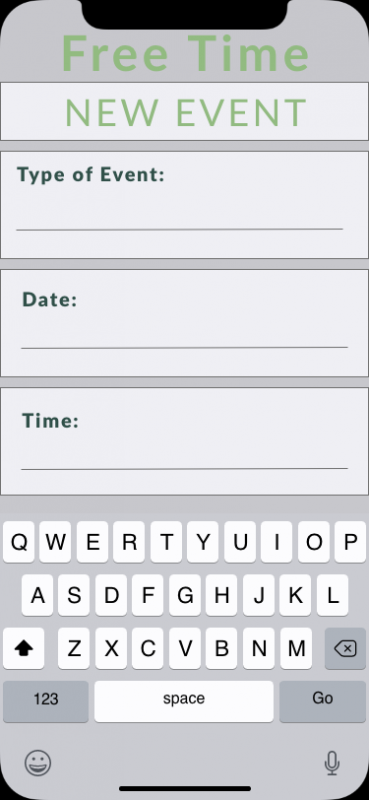
Again, simplicity was the goal here because I knew it might be easy for this to get screen to get cluttered. However, this form setup can be time consuming for the user having the user fill in each section using the keyboard.
What I would change:
Instead, I’d opt for using a picker for the date and time sections. The “Type of Event” section is the only area I’d leave as a fill-in section until I’d be able to survey enough people to get a better idea of what pre-sets would be appropriate to use.
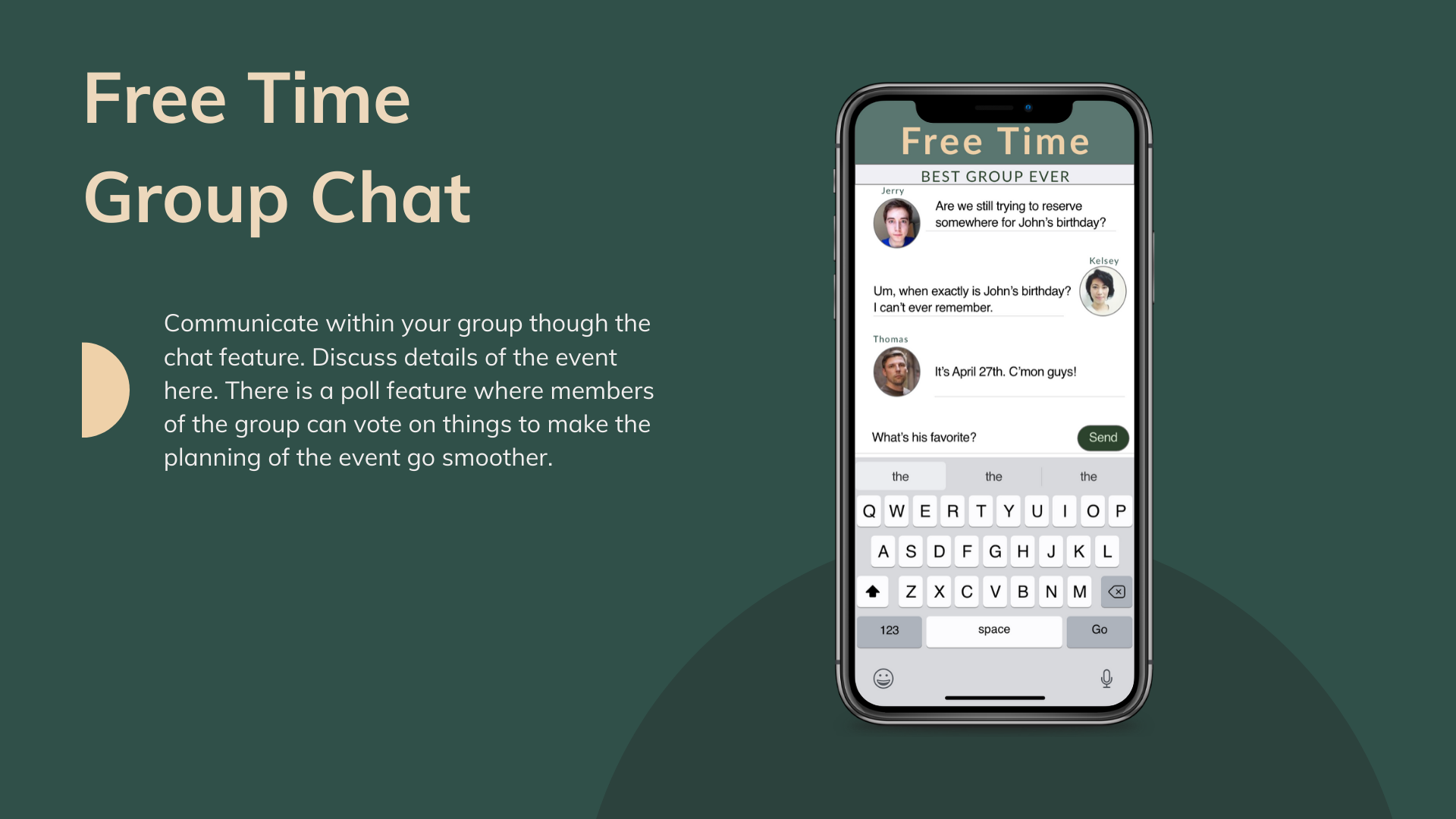
For the group chat feature, the user should be able to identify which group of people they are messaging with. The group name is listed at the top to prevent any confusion. Everyone has their personal photo icon displayed to keep that sense of connection.
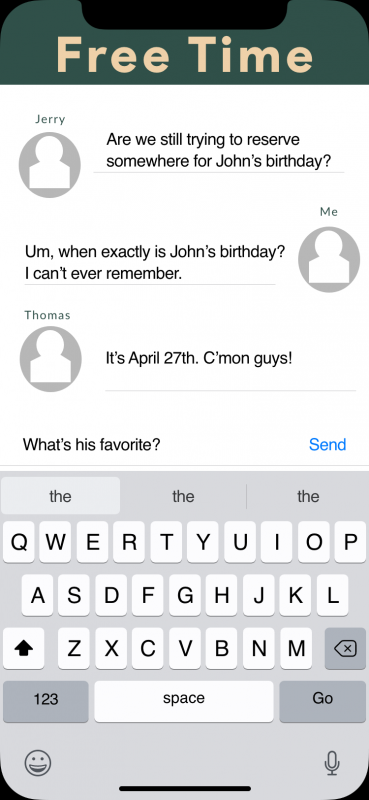
What I would change:
In addition to this, I would have added text bubbles around the messages to make it easier for the user to read the text and identify even easier who it is that they’re messaging and responding to.
Conclusion:
This project was not tested. However, I do have some key takeaways for things that I would have changed after comparing this prototype to other competitors. The buttons I used in this prototype, I don’t think give the best user experience. Instead, using icons would be more intuitive for the user. I also would have taken more time to elaborate on the flow of the application. I think it would be important to flesh out the fine details to make sure the user has a seamless transition between the different features. One of the goals of this app is to be quick and simple to use, so I think re-designing this with that in mind would accomplish that.